
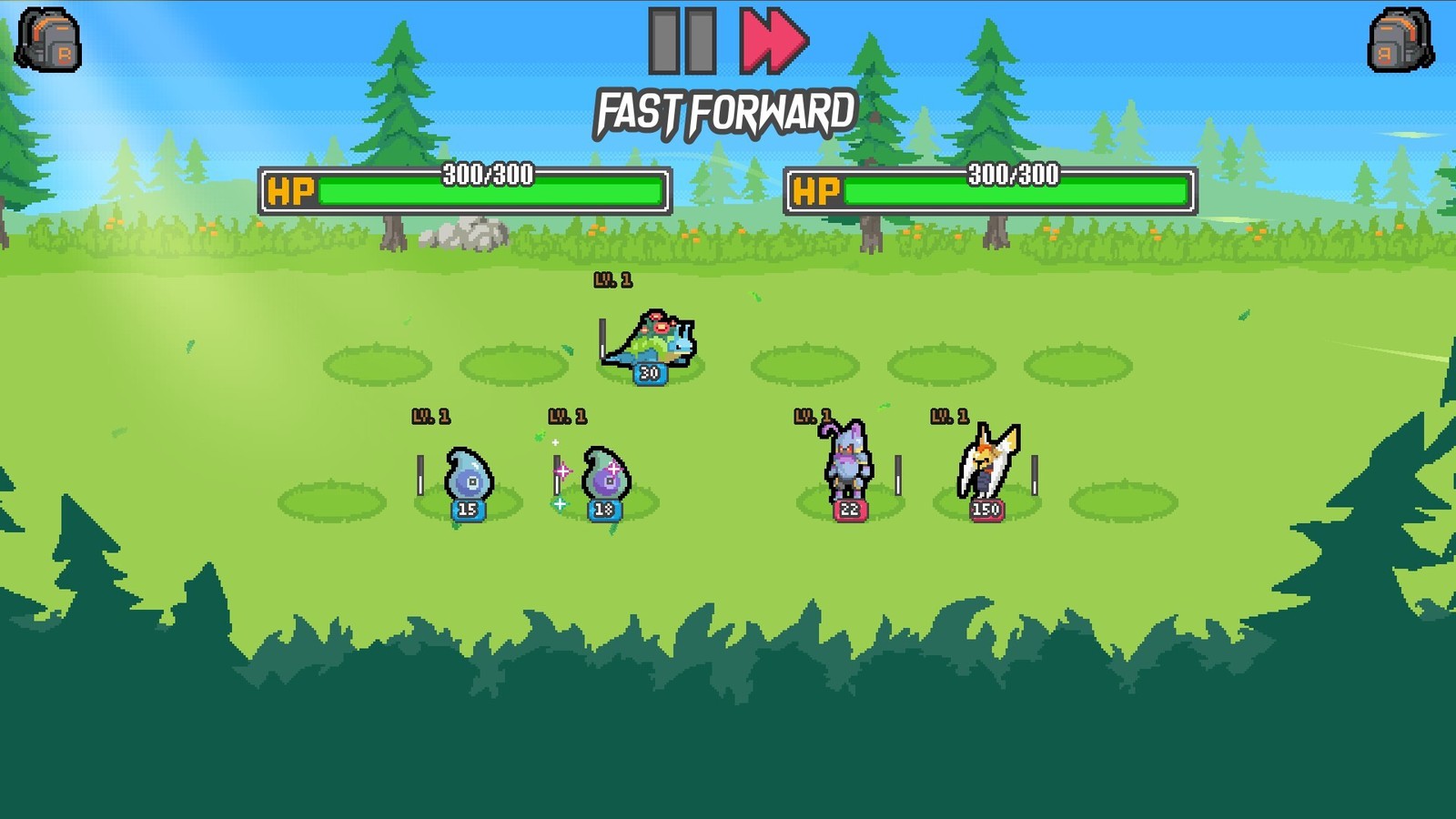
Batomon Showdown Download and Install After the Demo Retired
The free demo came down with Season 0 on 14 September 2026, and its old store link now redirects to the Steam homepage. Steam and Google Play are the routes.
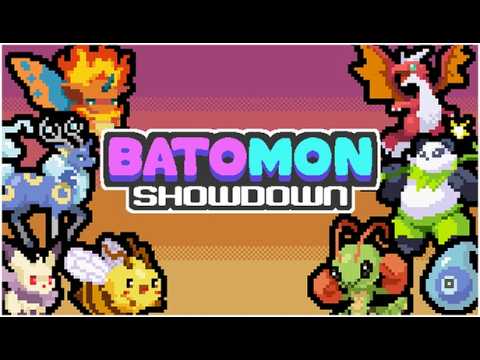
The free Batomon Showdown demo is gone. It ended alongside Season 0 on 14 September 2026 at 09:00 EST, and the release version arrived the next day, 15 September.
Two legitimate download routes remain: the Steam store page for Windows, and Google Play for Android.
What happened to the old demo
The demo used to be its own Steam product, a different app from the release version. It came down on 14 September 2026 at 09:00 EST, ending alongside Season 0.
Its store address no longer points at a product page. Opening it redirects to the Steam homepage, so clicking through from a search result just lands you on Steam’s front page.
Why demo download pages are still around
Those pages come from three places.
Some are cached snapshots of a retired product that search engines still index; the link redirects to the homepage. Others are third-party aggregators or download sites that rewrote the store listing themselves, with no connection to the current state. The rest are old links inside videos and articles written during the demo period, long dead by now.
One exception is worth knowing about. The developer’s itch.io page still hosts an older browser-playable demo. Its content stops at the demo era, with no Jinto region, no six new trainers and no seasons, and it supports English, Japanese, Simplified Chinese and Traditional Chinese. It is fine for getting a feel for the loop, but it is not the release build.
Installing on each platform
Steam (Windows). Buy from the store page (prices and discounts are on the price page), install from your library using 512 MB of available space, then launch, pick a trainer and start your first run.
Android. Open the Google Play listing, install and sign in. The developer states that one account and one save work across PC and mobile. The mobile settings menu is its own layout, built for touch.
When it will not start
Work through it in this order.
Try a different renderer first. The most commonly reported startup failure in community notes is a GPU that cannot run the default renderer. In Steam, right-click the game, open Properties, and add --rendering-driver opengl3 to Launch Options. That comes from a community wiki, not from official documentation.
Then check language and window settings. Some players report the game launching in English with no in-game language switch and having to edit a config file directly; display settings can behave the same way.
Then check the connection. The game needs one to match battles. When a search fails, cancel it and try again, or switch networks and come back later.
Finally check the build. If right-clicking a Batomon does nothing, you are not on 1.0.0. The release build should show Patch Notes and Run History in its menus.
Before running a file from an unknown source
Confirm the source is Steam or Google Play. Any other site offering a “free download” has changed the distribution chain.
Do not sign in with someone else’s account. Progress and rank are bound to the account, so handing it over hands over everything.
Watch the file size. The published storage requirement is 512 MB, so anything claiming to be a few hundred megabytes while bundling extra material deserves suspicion.
And skip the verification-bypass patches. This is an asynchronous online game, so a cracked build either finds no opponents or runs into account trouble.
Related pages
- Platform status: mobile, console and saves: what is actually available where.
- Steam build: requirements, Deck and launch problems: specs and deeper troubleshooting.
- Playtest and Season 0 recap: what the demo contained and where its rewards went.